
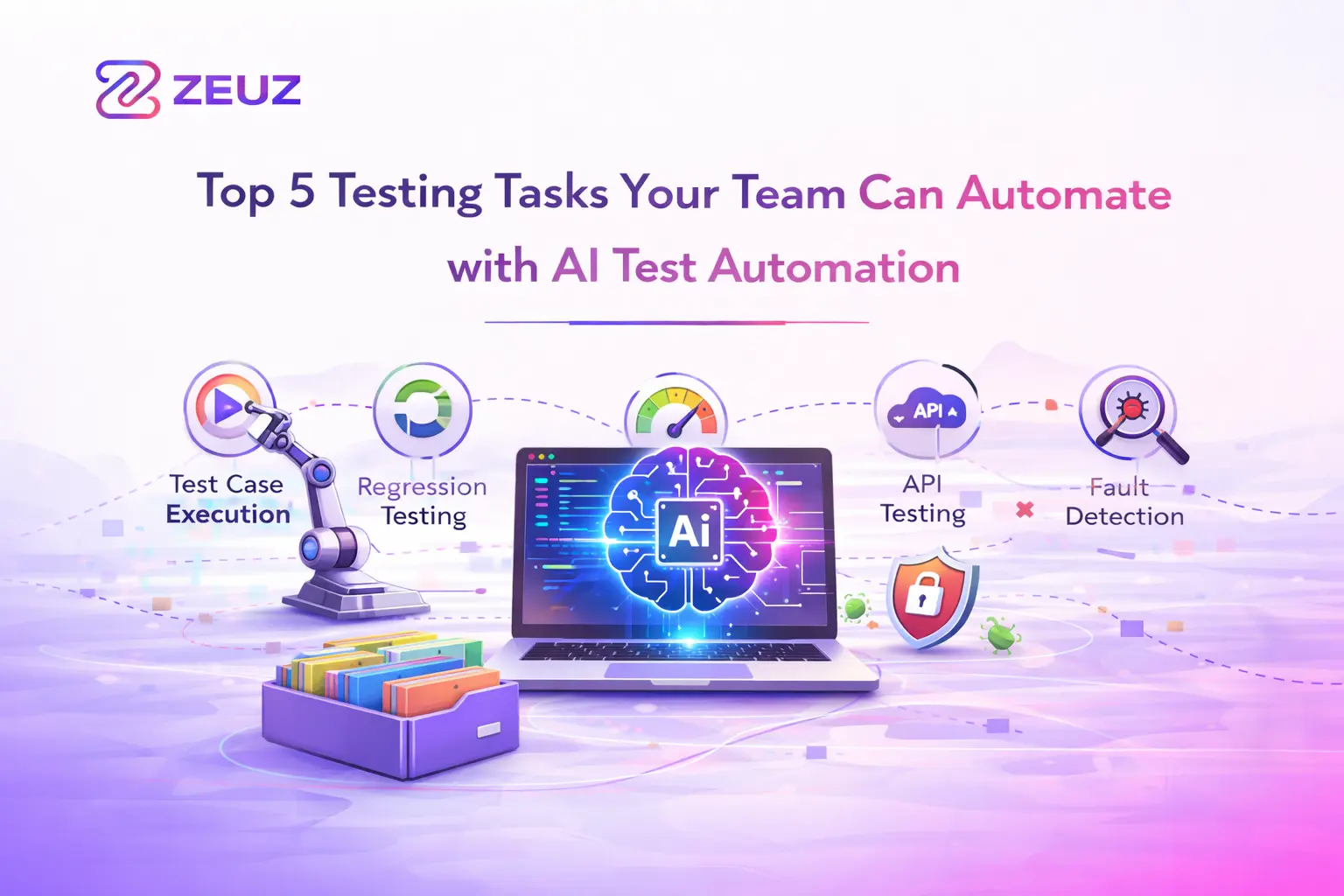
5 Repetitive Testing Tasks AI Can Eliminate
Not every test you run needs a human. Some tasks are so repetitive, tedious, and predictable, they’re practically begging for automation. And with AI-powered tools automated testing tasks become a reality. These systems can learn, adapt, and evolve as your app does.
Here are five testing tasks your team can safely automate with AI this quarter — and finally free up time for the work that really needs your brain.
1. Regression Testing
Regression testing is a perfect match for AI test automation. It’s repetitive and critical. And it happens often — sometimes daily. Manually verifying every part of your app still works after a code change? It’s really exhausting. AI-driven tools like ZeuZ can detect UI changes, auto-update test scripts, and even self-heal broken locators. That means fewer broken tests and faster releases. You reduce testing time dramatically without sacrificing coverage.
2. Test Data Generation
Creating relevant, high-quality test data — again and again — can drain your team’s energy fast. But AI can take over here, too. Instead of manually crafting scenarios, you can use intelligent data generators to analyze input requirements and create a wide variety of realistic test cases on the fly. That means your team can reduce testing time and accelerate the process through AI test automation without any hassle.
Bonus: AI-generated data sets are more diverse, more dynamic, and way better for edge-case detection.
3. Cross-Browser and Cross-Device Testing
Testing across dozens of browsers, devices, and screen sizes is the kind of job no one wants. It’s repetitive, time-consuming, and easy to mess up. Automating testing tasks with ZeuZ AI can automatically execute the same tests across multiple environments, detect visual differences, and flag UI issues without human oversight. This does more than reduce the testing time. It also improves reliability across your entire user base.
4. Visual UI Verification
UI checks are notoriously flaky. A pixel shift, a misaligned button, or a modal behaving differently across viewports — all of these can escape a rushed manual check. AI-powered features such as visual testing tools are great at quickly finding issues and doing so with impressive accuracy. They compare snapshots, keep an eye on changes at the DOM level, and easily identify layout problems.
5. Smoke Testing
Before diving into deeper functional testing, most teams do a quick smoke test to ensure the app is even worth testing. Why burn time on manual steps here? AI test automation platforms can instantly run core flows, check for blockers, and confirm whether the system is stable enough to test further. This early catch helps avoid wasted QA effort and shortens feedback loops.

Automating repetitive testing tasks is already being done by high-performing QA teams, with tools like ZeuZ. And while you don’t need to automate everything, targeting and automating the right testing tasks can be the difference between sprinting and stumbling through your release cycles.