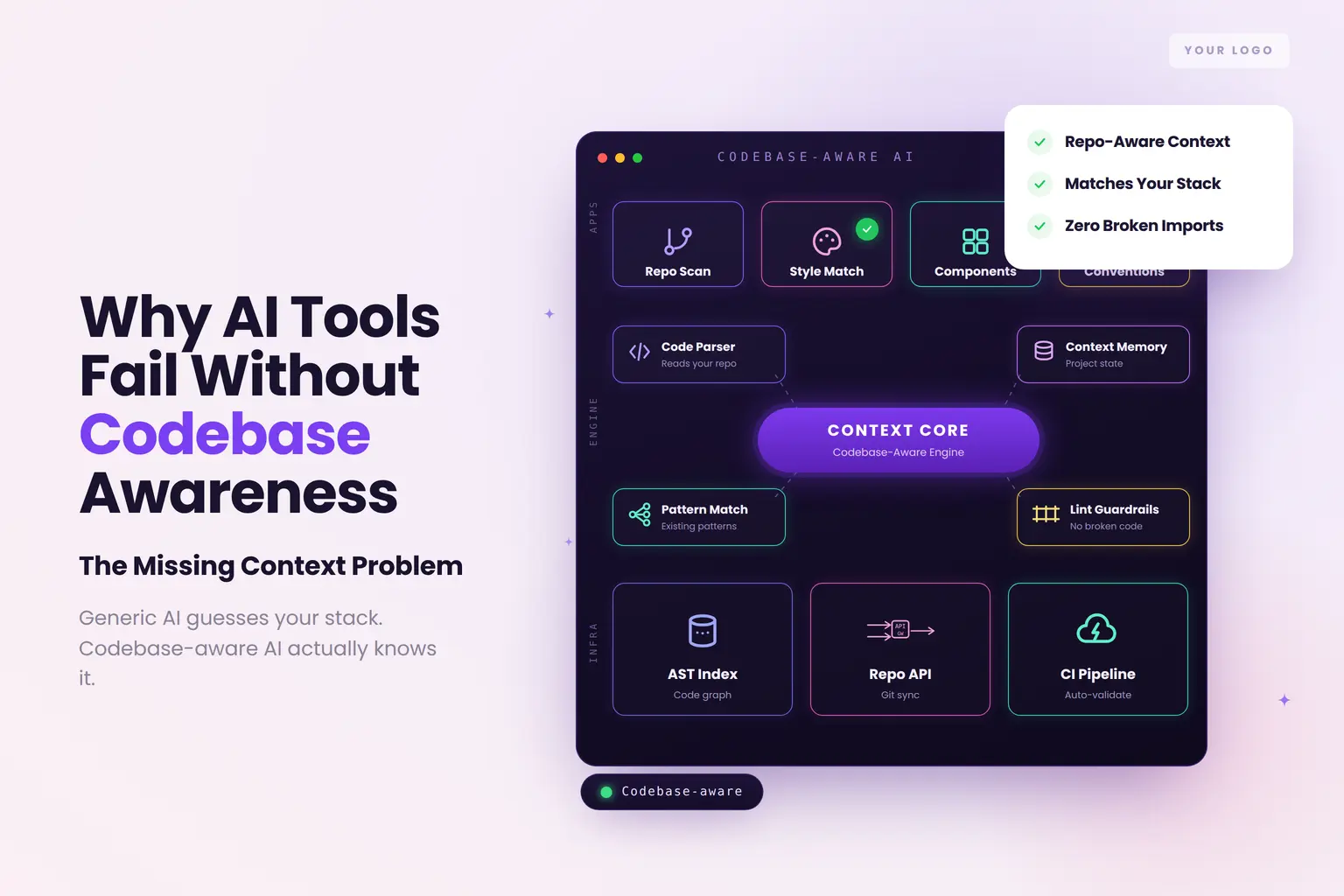
Why AI Design Tools Fail Without Codebase Awareness
The Core Problem: Design Tools Generate in Isolation
What This Failure Actually Costs
The Fix: What Codebase-Aware Design Generation Looks Like
The Business Case for Fixing This Now
Key Takeaways
The Core Problem: Design Tools Generate in Isolation
What This Failure Actually Costs
Why Most AI Design Tools Cannot See Your Codebase
What Codebase-Aware Design Generation Looks Like
The Business Case for Fixing This Now
Conclusion
Share with your community!
Why AI Design Tools Fail Without Codebase Awareness
You have seen it happen. A designer delivers a polished set of mockups. The engineering team opens the files, looks at each other, and asks the same quiet question: "Which component does this map to?" It doesn't map to one. The AI tool that generated those screens had no idea your codebase existed.
This is not a design quality problem. It is a context problem and it is the most expensive recurring failure pattern in AI-assisted product development today.
Teams using AI UI tools ship features 40–60% faster than those still wireframing manually (toools.design, 2026). But speed without codebase context creates an equally fast path to rework. This article explains exactly why AI design tools fail without codebase awareness, what that failure costs, and what teams can do to fix it.
The Core Problem: Design Tools Generate in Isolation
Most AI design tools, including many that marketed themselves as "production-ready" in 2024 and 2025, operate in a vacuum. They take a prompt or a user story, apply a trained understanding of general UI patterns, and produce a layout. What they do not do is consult your actual product.
They don't know:
Which components already exist in your codebase
What naming conventions your team has established
Which architectural patterns your engineers use for state management
What your design tokens look like, or whether you use them at all
Which UI patterns are already standardised across your product
The output looks correct in isolation. It often looks impressive. But the moment an engineer opens the mockup and compares it against the codebase, the friction begins.
Misalignment between mockups and implementation is one of the most common reasons AI produces inconsistent output, a finding confirmed by UX Planet's 2026 analysis of AI-assisted design workflows. The root cause is always the same: design and code are treated as separate systems instead of a unified source of truth.
What This Failure Actually Costs
The cost of codebase-unaware design generation does not appear as a single line item. It distributes across the delivery process in ways that make it easy to undercount.
Rework cycles. When a generated design uses components or patterns that don't exist in the codebase, engineers either build new infrastructure from scratch or spend time translating the design intent into what already exists. Both paths consume a sprint budget that was not planned for.
Design system drift. Every time an engineer implements a component that doesn't match the established pattern, the gap between the intended design system and the actual codebase widens. Misalignment is one of the most common reasons AI produces inconsistent output (UX Planet, 2026), and drift compounds over time, making future AI-generated designs increasingly misaligned as the codebase evolves.
Delayed releases. Designs that require significant engineering interpretation before implementation take longer to build. For teams releasing on monthly or bi-weekly cadences, even a two-sprint misalignment episode has a measurable impact on delivery timelines.
QA overhead. When the shipped product doesn't match the approved design, because the design described something the codebase couldn't directly implement, QA teams spend time resolving ambiguity about which version is "correct." This ambiguity is purely a handoff failure, and it adds overhead at the most expensive point in the delivery cycle.
Why Most AI Design Tools Cannot See Your Codebase
The architectural reason is straightforward: most AI design tools were built to generate UI, not to integrate with software development infrastructure. They operate as standalone creative tools, powerful within their own context, but architecturally disconnected from version control, component libraries, and CI/CD pipelines.
Design tokens, the named variables that define your product's visual decisions (colour, spacing, typography, border radius), are the most critical component for AI-assisted development, according to Boldare's 2026 analysis of design systems. When an AI tool generates UI without access to your token architecture, it invents its own, creating visual decisions that may look similar to your system but are not your system. Every component it produces is a close approximation rather than an implementation of your established patterns.
The result: your developers are perpetually translating between an approximation and the real thing.
The Fix: What Codebase-Aware Design Generation Looks Like
Solving this problem requires connecting the design generation layer to the engineering reality layer. Specifically, a codebase-aware AI design tool should be able to:
1. Connect to your repository and branch The tool should read your GitHub repository, the specific branch your team is working in before generating any output. This gives the AI access to your actual component structure, naming conventions, and architectural patterns.
2. Parse your component library When the AI knows which components exist in your codebase, it generates designs using those components rather than inventing alternatives. This is the single change that most directly reduces implementation friction.
3. Inherit your design token architecture The AI should use your established tokens for colour, spacing, and typography, not generic approximations. This ensures that generated designs are not just visually similar to your system but are your system.
4. Understand your workflow patterns Beyond individual components, the AI should understand the interaction patterns your product uses, how forms are validated, how errors are presented, how navigation transitions work, and reflect those patterns in generated designs.
5. Align with your product terminology Domain-specific language matters. A healthcare product uses different terminology than an e-commerce platform. Repository-aware design generation inherits your product's language, making generated designs immediately legible to your engineering team without translation.
This is precisely what ZeuZ Studio's repository and branch-aware design intelligence delivers and it is the capability gap that separates tools that generate impressive demos from tools that generate implementable product designs.
For a complete understanding of how repository-aware design generation works at the architectural level, the article What Is Repository-Aware AI Design? The Feature That Changes How Product Teams Build goes deep on the technical mechanics.
A Practical Checklist: Evaluating Codebase Awareness in AI Design Tools
Before selecting or renewing an AI design platform, run through these questions:
Evaluation Question
What a Strong Answer Looks Like
Does the tool connect to GitHub?
Native integration, not just export
Can it read specific branches?
Branch-level awareness, not just repository-level
Does it use your existing components?
Generates from your component library, not generic patterns
Does it inherit your design tokens?
Reads token files; does not approximate values
Does it understand your interaction patterns?
Learns from existing UI patterns in the codebase
Does it integrate with your CI/CD pipeline?
Designs connected to the delivery workflow, not exported in isolation
If the tool you are evaluating cannot clearly answer "yes" to the first three questions, its output will consistently require engineering interpretation and interpretation is reworked.
The Business Case for Fixing This Now
Poor design handoff costs companies an average of 30–40% in development time due to misinterpretation and rework (2026 industry benchmarks). For a 10-person engineering team, that is the equivalent of 3–4 engineers spending their sprint on translating rather than building.
Codebase-aware design generation eliminates the translation layer. When generated designs align with the actual codebase from the first output, engineers implement rather than interpret and QA validates against a clear reference rather than resolving ambiguity.
For a broader view of how modern AI design platforms are solving the design-to-engineering gap at the system level, the AI Design Studio complete guide covers the full capability landscape and evaluation framework for enterprise product teams.
Conclusion
AI design tools that generate in isolation from your codebase are not production tools. They are expensive wireframing aids that shift the real work translation and alignment onto your engineering team.
The fix is architectural: choose tools that connect to your repository, read your components, and generate designs that describe your product as it actually exists. The productivity gains from AI design generation are only fully realised when the output is immediately implementable, not when it requires three days of engineering interpretation before a sprint can begin.