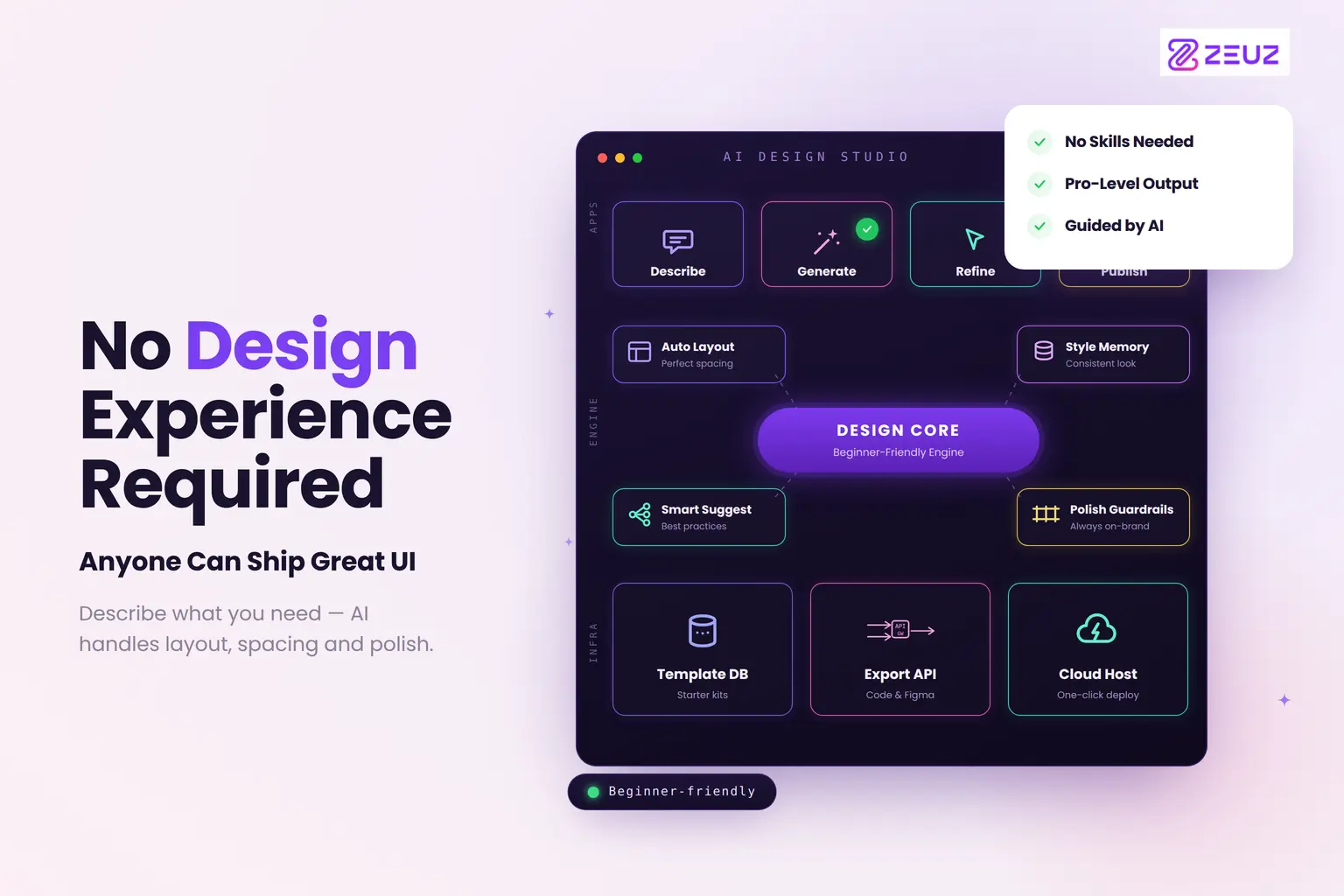
No Design Experience? Build Production-Aware UI
For most of software development history, there has been an unspoken rule: UI design is a designer's job. If you were a product manager, an engineer, or a QA lead with a clear idea of what a feature should look like, you had one option, write it down and wait for a designer to interpret it. The result was an inevitable translation loss between what you intended and what was designed.
In 2026, that rule is breaking. And it is not breaking because non-designers are learning Figma.
It is breaking because AI design tools are making codebase-aware UI generation accessible to anyone who can describe what they want in plain language, regardless of design background, tool familiarity, or artistic skill.
65% of designers report they are taking on more product and engineering responsibilities in 2026, while 40% say PMs and engineers are contributing more to design work (Designer Fund, 2026). AI generation tools are the mechanism enabling this shift, and the implications for how product teams are structured, and how features get built, are significant.
Who "Non-Designers" Are in This Context
When this article refers to non-designers using AI to build production-aware UI, it means:
Product managers who have always carried clear intent about what a feature should do and how it should behave, but who have been structurally excluded from the design process by the complexity of traditional tools.
Engineering leads and developers who need to evaluate the feasibility of a design before sprint commitment, or who want to prototype a component quickly without waiting for a designer's availability.
QA engineers who need to understand what "done" looks like before they can write acceptance criteria, and who benefit from having access to design intent in a format that directly reflects the codebase they are testing against.
Business analysts and startup founders who have domain expertise and product vision, but no budget for dedicated design resources at early stages.
What unites all of these people is a simple reality: they have product intelligence that belongs in the design process, and they have been excluded from contributing it because the tools required skills they don't have.
What "No Design Experience Required" Actually Means
The phrase has been overused to the point of meaninglessness by marketing for basic mockup tools. Let's be precise about what it means in the context of production-aware AI design generation.
It means: You can describe a feature in plain language, the way you would describe it to a colleague, and receive a structured, interactive UI layout that uses your team's existing components and reflects your product's established patterns. You can then refine it conversationally, share it for engineering review, and hand it off for implementation without it requiring significant re-engineering.
It does not mean: The output requires no human judgment. Brand decisions, accessibility requirements, edge case behaviour, and strategic UX direction still require expertise. AI handles the structural work; humans make the decisions that require taste, experience, and domain knowledge.
The distinction matters because teams that treat AI-generated UI as finished product consistently encounter quality problems. Teams that treat it as a structured first draft that accelerates expert review consistently report significant productivity and alignment improvements.
The Three Non-Designer Workflows That Are Working in 2026
Workflow 1: The PM-Led Feature Prototype
A product manager has a clear mental model of a new feature, a multi-step onboarding flow for enterprise users. In the traditional workflow, she writes a PRD, attaches some rough wireframe sketches, and waits two weeks for design resources to become available.
With an AI Design Studio connected to her team's repository:
-
She describes the feature in plain language: "Three-step enterprise onboarding company details, team setup, role configuration with a progress indicator, skip options for optional steps, and validation on each step before proceeding."
-
The platform generates three layout variants using the team's existing form components, navigation patterns, and design tokens.
-
She reviews them conversationally, directing refinements: "Make the progress indicator more prominent. Add an enterprise tier badge next to the company name field."
-
She shares the refined design with the engineering lead directly. Because the design uses existing components, the lead can review it and estimate implementation effort in the same meeting, rather than scheduling a separate technical feasibility session.
Total time from feature concept to engineering-ready design: under two hours. Previous equivalent: 10–14 days.
Workflow 2: The Engineer-Led Component Prototype
An engineering lead needs to evaluate two architectural approaches to a data table component before committing a sprint team. In the traditional workflow, she either describes the options in writing (losing the visual dimension) or waits for design resources to mock them up.
With a repository-aware AI Design Studio:
-
She describes the two approaches: one using the existing DataTable component with configuration, one using a custom implementation with inline filters.
-
The platform generates side-by-side implementations using the actual codebase components.
-
She can evaluate the visual outcome of each architectural decision immediately, without a designer in the loop and without waiting.
This is the workflow that product teams increasingly describe as the highest-leverage application of AI design tools: giving engineers the ability to evaluate design implications of architectural decisions before those decisions are made.
Workflow 3: The QA-Led Acceptance Design
A QA engineer is beginning a new sprint and needs to write acceptance criteria for a feature that hasn't been fully designed yet. In the traditional workflow, she writes criteria against a written specification, hoping the eventual design matches what she described.
With access to AI-generated, codebase-aware design references:
-
The PM's feature prototype (from Workflow 1) is already in the system, aligned with the codebase.
-
The QA engineer can write acceptance criteria against a visual reference that directly reflects what will be implemented, because the design was generated using the team's actual components.
-
Ambiguity at the QA stage is dramatically reduced: the question "is this a bug or was this intended?" can be answered by reference to the design, which accurately reflects the implementation intent.
What Makes Production-Aware Different From Basic AI Mockups
The phrase "production-aware" is doing specific work in this context. It distinguishes AI design output that is aligned with the team's actual codebase, using real components, real tokens, real patterns, from AI mockup output that looks like a finished design but requires significant engineering interpretation to implement.
Figma AI can read your component library within Figma and generates reasonably system-compliant output approximately 70% of the time (internal testing across 12 projects, Phenomenon Studio 2026). The remaining 30% requires manual correction.
v0 by Vercel generates clean React code, often using common libraries like shadcn/ui, but operates without knowledge of your specific codebase structure. Output requires adaptation.
ZeuZ Studio generates from your repository, which means the gap between generated design and buildable implementation is structurally smaller from the first output. For non-designers who are not equipped to perform the engineering translation that other tools require, this codebase alignment is what makes production-aware generation genuinely accessible.
For a full side-by-side comparison of how these platforms perform across enterprise requirements, see AI UI Generation in 2026: ZeuZ Studio vs Figma AI vs v0 vs Claude Artifacts.
The Skills That Still Matter: and the Ones That Don't
AI design generation removes the need for:
-
Proficiency in design tools (Figma, Sketch, InVision)
-
Knowledge of layout principles and component composition
-
The ability to manually implement design system standards
-
Familiarity with export formats and handoff processes
AI design generation does not remove the need for:
-
Clear thinking about what a feature should do and why
-
Judgment about what "good" looks like for your users and your brand
-
Understanding of edge cases and error states
-
The ability to evaluate whether an output meets the actual requirement
The insight from Designer Fund's 2026 research is instructive: the average designer now uses 7 AI tools regularly, more than double last year's average of 3. The design profession is not contracting, it is redistributing. The structural work is increasingly AI-assisted; the judgment work is increasingly where human expertise concentrates.
For non-designers, this means the opportunity is not to replace design expertise. It is to contribute product intelligence to the design process without needing to first acquire design tool expertise.
To understand this workflow at the system level, how AI design generation connects requirements to implementation across the full product team, read From Requirements to Realistic UI: How AI-Powered Design Is Closing the Product-Engineering Gap.
For the full framework of what an AI Design Studio is and what separates enterprise-grade platforms from basic mockup tools, the complete guide to AI Design Studios is the definitive starting point.